On this page
Emergency Alerts is a UK government system that sends a loud alert to 4G and 5G phones when there is a danger to life nearby. You do not sign up and it is free. It needs a working mobile signal, so in a long or wide power cut an alert may not reach you. Keep a battery radio as your backup.
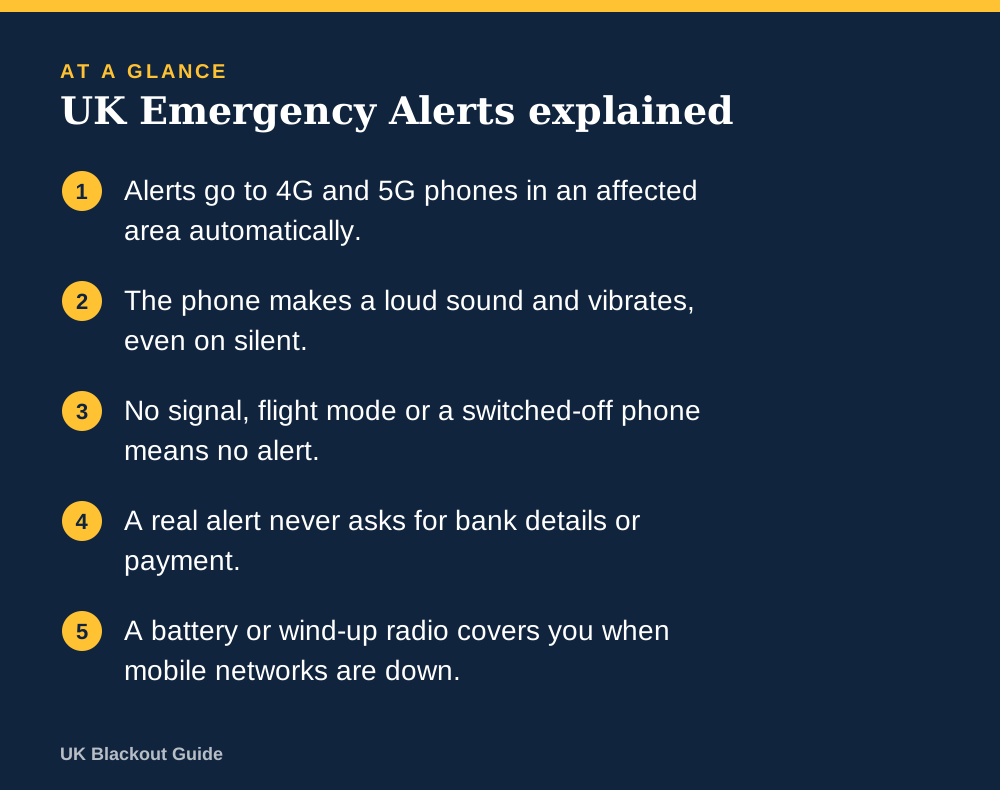
- Alerts go to 4G and 5G phones in an affected area automatically.
- The phone makes a loud sound and vibrates, even on silent.
- No signal, flight mode or a switched-off phone means no alert.
- A real alert never asks for bank details or payment.
- A battery or wind-up radio covers you when mobile networks are down.
What an alert is and what it looks like
Emergency Alerts is the government's way of telling people quickly about a life-threatening emergency close to them. The examples it gives include severe flooding, fires and extreme weather. An alert is used rarely, and only when there is something you need to do straight away.
When one arrives, your phone makes a loud siren-like sound and vibrates for about ten seconds, even if it is set to silent. A message fills the screen telling you what has happened and what to do. You have to acknowledge it before you can use the phone again.
You do not need an app, an account or a registration. The government does not need your phone number to send one, and the system does not track where you are.
How the message gets to your phone
Alerts are broadcast from mobile phone masts to every compatible phone within range, a little like a radio signal. That is different from a text message, which is addressed to one number. It means an alert can be sent to a small area, a whole region or the whole country, and it is not slowed down when the network is busy with calls.
It also means the alert follows the mast, not the person. If you are visiting a town when an alert is issued there, you receive it. If you live there but are away that day, you do not.
Why you might not receive one
There are a handful of reasons a phone stays quiet:
- It is switched off or in flight mode.
- It is connected only to 2G or 3G, or to wifi with no mobile signal.
- It is an older handset or has not had recent software updates.
- Alerts have been turned off in the phone's settings.
- The masts in the area are not working.
The last point is the one that matters for blackouts. Mobile masts need electricity, which is the heart of whether mobile phones work in a power cut. Official advice says mobile networks may work temporarily in some areas on backup power during a cut, and no more than that. An alert sent early in an outage is likely to arrive. One sent many hours into a wide outage may reach fewer phones, depending on how long mobile masts last in a power cut.
There is a second, self-inflicted gap. If you keep your phone in flight mode to save charge, which is a sensible part of making a phone battery last, you will not receive alerts during those hours. Brief check-ins at set times reduce the gap, and a radio fills the rest.
Checking your phone's settings
Alerts are switched on by default on compatible phones. To confirm, search your phone's settings for emergency alerts. On an iPhone the switches sit at the bottom of the Notifications screen. On Android phones the location varies by maker, so the search box is the quickest route.
Keep the phone's software up to date, since older versions may not support alerts. You can turn alerts off using the same switches. The government advises keeping them on for your own safety, but there are situations where turning them off is the safer choice, for example if you keep a concealed phone that must never make a sound.
The government's page at gov.uk/alerts lists current and past alerts, so you can check whether a message you received was real.
What to do when one arrives
Stop what you are doing and read the whole message. Follow the instructions in it. If you are driving, do not pick up the phone. Carry on until it is safe and legal to pull over, then read it.
Once you have read it, tell the people around you, particularly anyone with an older phone or no phone. Then turn on a radio for more detail, because an alert is a short message and not a running news service, and getting news in a blackout takes more than one source.
Telling a real alert from a scam
A genuine alert takes over the screen with a loud sound. It does not arrive as an ordinary text from a mobile number, it does not ask you to reply, and it never asks for bank details, passwords or payment. If a message about a power cut asks for any of those, it is a fraud attempt.
A power cut is one of many subjects a fraudulent message can borrow, as the common scams during power cuts show. When in doubt, do not tap any link in a text. Go to gov.uk/alerts yourself, or call 105 for anything about your electricity supply.
Why a radio is still on the kit list
Emergency Alerts is a good system for sudden, local danger while networks are up. It was never meant to be the only way of reaching people, which is why the official Be Ready campaign kit list still includes a battery or wind-up FM radio.
A radio works with no mobile signal, costs little, and can run for days on a set of batteries. If you do not own one, a simple battery radio is enough. With a charged phone, alerts left on, and a radio in the cupboard, you have two independent routes for official information to reach you, and a wind-up radio keeps the second one going when the spare batteries run out.
Common questions
Do I have to pay or sign up for Emergency Alerts?
No. Alerts are free and automatic on compatible 4G and 5G phones. There is nothing to download.
Will an alert sound if my phone is on silent?
Yes. The alert overrides silent mode with a loud sound and vibration for about ten seconds.
Do tablets and smartwatches get alerts?
Some tablets with a mobile connection do. Devices that only use wifi will not receive them.
Would there be an alert for a national power cut?
The government has not said. The system is for emergencies with a danger to life, and it needs working masts, so do not rely on it as your only source.
Reviewed against these sources on 18 November 2026. If official advice has changed since, follow the official advice.
General information only. This page is not professional, safety, medical, legal or financial advice, and it is not official guidance. No national blackout has been forecast or announced, and nothing here suggests one is expected. We are independent and have no connection to the government or any energy company. Always check the official sources linked on this page. Full disclaimer
Keep reading
 Buying guide
Best battery radios for power cuts and blackouts
Battery radios for power cuts and blackouts, chosen from Amazon UK listings on AA battery power, FM and DAB bands, simple controls and buyer ratings.
Read: Best battery radios for power cuts and Buying guide
Best charging cables for an emergency kit
Spare charging cables for an emergency kit, so your power bank, car socket or wind-up radio can charge a phone in a power cut. Chosen from Amazon UK listings.
Read: Best charging cables for an emergency kit Buying guide
Best corded phones that work in a power cut
Corded landline phones that draw power from the phone line and can keep working in a power cut, picked from Amazon UK, with plain advice on digital lines.
Read: Best corded phones that work in a power cut Question
Can I text 999 in an emergency?
You can text 999 in the UK through emergencySMS, but only after registering your phone. How to register, what to put in the text and when it will not work.
Read: Can I text 999 in an emergency?