On this page
Yes, but only if your phone is registered with the emergencySMS service first. Text the word register to 999, then follow the instructions in the reply. Once registered, you can text 999 with which service you need, what has happened and where you are. If you are able to speak, a voice call is still quicker.
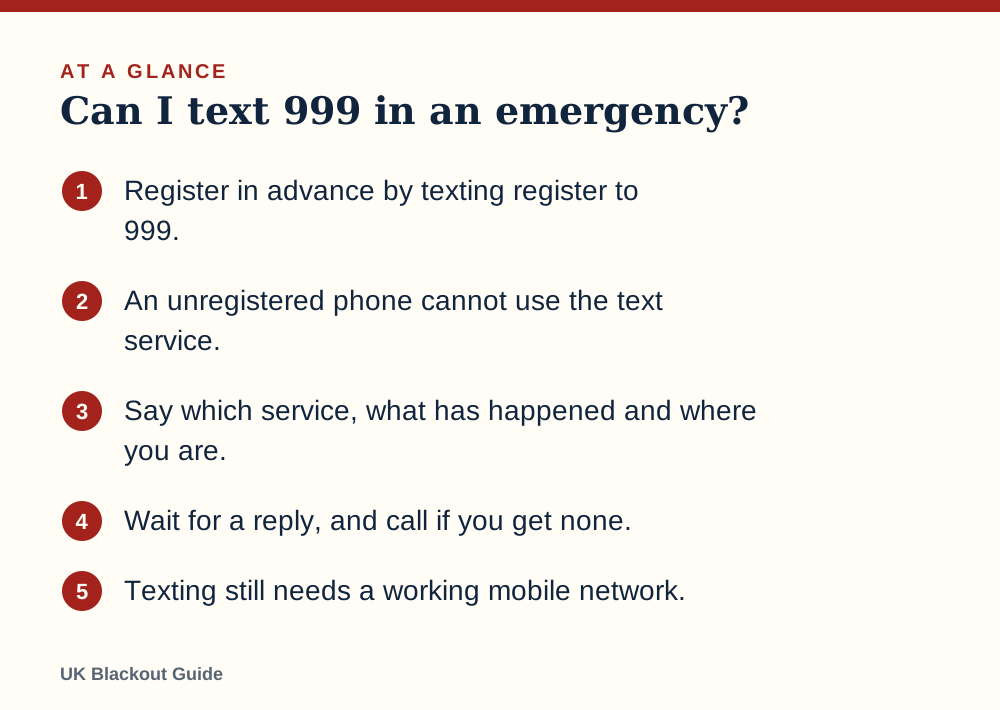
- Register in advance by texting register to 999.
- An unregistered phone cannot use the text service.
- Say which service, what has happened and where you are.
- Wait for a reply, and call if you get none.
- Texting still needs a working mobile network.
How to register, step by step
Registration takes a couple of minutes and costs nothing.
- Open a new text message and enter 999 as the number.
- Type the single word register and send it.
- You will receive a reply explaining the service. Read it.
- Reply with the word yes.
- Wait for a final message confirming your phone is registered.
Registration belongs to that phone number. If you change number, register again. It is worth doing on every mobile in the household, including older children's, and on the phone of anyone you care for. Writing the step into your family communication plan gets it done for everyone.
Who the service is for
emergencySMS was set up for people who are deaf, have hearing loss or have a speech impairment and cannot use a voice call. Anyone may register, and it can help in other situations where speaking is not possible.
It is not a faster way of reaching 999. A text is relayed to the emergency services through an operator, and each question and answer takes time. If you can talk, ring. There is also a British Sign Language video relay service, 999 BSL, for BSL users with a data connection.
What to write in an emergency text
Give three things in the first message so the operator does not have to ask.
- Which service: police, ambulance, fire or coastguard.
- What: a few words on what has happened.
- Where: the full address with postcode if you know it, or the road name, town and a nearby landmark.
For example: ambulance. Man collapsed, not breathing. 14 Mill Lane, Otley, outside the post office.
Then stay with your phone. You should get a reply, either asking for more detail or confirming help is on its way. If nothing comes back within about three minutes, send it again or find another way to call. Do not assume a text has been received until you have an answer.
Texting 999 in a power cut
A text needs the mobile network just as a call does. If the masts near you have run out of backup power, neither will go through. There is one difference to know about. A voice call to 999 can roam onto any available network, which gives it the best chance of connecting in a patchy outage, as calling 999 in a power cut explains, so try a call as well if you can make yourself understood at all.
Texts do have one advantage in a congested network. They need very little capacity, so a message may get through when the network is too busy for calls to connect.
None of it works with a flat battery. Keep one of the best power banks for power cuts charged and hold some phone charge back for emergencies.
Text is for you to reach the emergency services. Official alerts coming the other way use a different system, covered in Emergency Alerts explained.
Common questions
Does it cost anything to text 999?
No. Registering and sending emergency texts are free.
Can I register during an emergency?
You can, but it takes a few minutes of messages back and forth. Register now so the service is ready.
Can I send photos or use a messaging app?
No. The service uses ordinary text messages only. Apps that need data are not connected to 999.
Reviewed against these sources on 18 November 2026. If official advice has changed since, follow the official advice.
General information only. This page is not professional, safety, medical, legal or financial advice, and it is not official guidance. No national blackout has been forecast or announced, and nothing here suggests one is expected. We are independent and have no connection to the government or any energy company. Always check the official sources linked on this page. Full disclaimer
Keep reading
 Buying guide
Best battery radios for power cuts and blackouts
Battery radios for power cuts and blackouts, chosen from Amazon UK listings on AA battery power, FM and DAB bands, simple controls and buyer ratings.
Read: Best battery radios for power cuts and Buying guide
Best charging cables for an emergency kit
Spare charging cables for an emergency kit, so your power bank, car socket or wind-up radio can charge a phone in a power cut. Chosen from Amazon UK listings.
Read: Best charging cables for an emergency kit Buying guide
Best corded phones that work in a power cut
Corded landline phones that draw power from the phone line and can keep working in a power cut, picked from Amazon UK, with plain advice on digital lines.
Read: Best corded phones that work in a power cut Guide
Calling 999 in a power cut
How to reach 999 in a UK power cut from a mobile, landline or by text, what to try if there is no signal, and which number to ring for which problem.
Read: Calling 999 in a power cut