On this page
Write down the FM frequencies of your BBC local radio station (or BBC national station for Scotland, Wales or Northern Ireland) and one or two UK-wide BBC stations, as received at your address. Frequencies differ from area to area, so we do not list them. Find yours by tuning your own radio now and noting the numbers on a card kept with it.
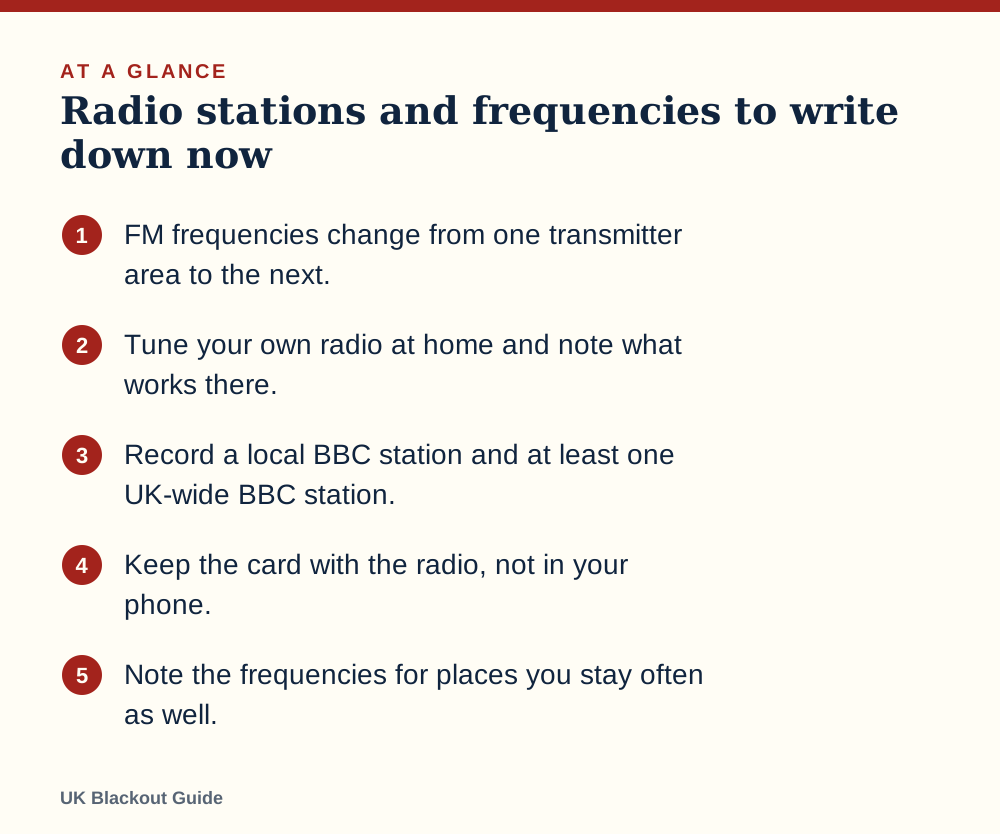
- FM frequencies change from one transmitter area to the next.
- Tune your own radio at home and note what works there.
- Record a local BBC station and at least one UK-wide BBC station.
- Keep the card with the radio, not in your phone.
- Note the frequencies for places you stay often as well.
Why this page does not give you numbers
There is no single emergency frequency in the UK. The same station is broadcast on different FM frequencies from different transmitters, so the number that works in one town is static in the next. A national list copied from a website would be wrong for most readers, and wrong information is worse than none when you are tuning by torchlight.
What we can give you is a method. It takes about ten minutes, needs only the radio you will use in a power cut, and produces a card that is right for your house.
Which stations to look for
Aim for three entries, which between them answer which radio station to use in an emergency.
- Your BBC local station. In England that is the BBC local radio station for your county or city. In Scotland, Wales and Northern Ireland it is the BBC's national station for your nation. This is where area-specific information is most likely to be read out.
- A UK-wide BBC speech station. National news bulletins on the hour tell you how wide the problem is.
- One more station you can receive strongly. A second BBC network or a local commercial station gives you a fallback if one signal is poor.
Under the BBC emergency broadcasting plan, the BBC has described how it would keep broadcasting on FM from an emergency studio with generator-backed transmitters.
The ten-minute method
Do this at home, on the radio you would use in a cut, running on its batteries.
- Extend the aerial fully and switch to FM.
- If the radio has an auto-scan, run it and let it stop on each station. If it has a dial, turn it slowly from one end to the other.
- Each time you find one of your three target stations, note the frequency shown. Many radios also display the station name on FM, which confirms you have the right one.
- If you find the same station in two places on the dial, note both and mark which is clearer. You are probably in range of two transmitters, and the spare is useful.
- Carry the radio to the room you would use in a power cut and check the signal there. Near a window is usually best.
- Save the stations as presets if your radio has them.
If you cannot find a station by scanning, the BBC publishes frequencies for each of its stations by area on its own website, and station websites usually show theirs. Use those to know roughly where to look, then confirm by ear on your own set. Trust what your radio receives over what a list says.
Do this in daylight with the mains on. You will hear whether the lights, chargers or the television add interference, and you can find the quiet spot for the radio before you need it.
What to put on the card
A small card or sticky label is enough. Copy this layout and fill in the blanks yourself.
| Station | FM frequency at home | Second frequency | Preset |
|---|---|---|---|
| BBC local station: ________ | ______ FM | ______ FM | 1 |
| UK-wide BBC station: ________ | ______ FM | ______ FM | 2 |
| Fallback station: ________ | ______ FM | ______ FM | 3 |
Add the date, and the words news on the hour as a reminder to save batteries between bulletins. Tape one copy to the back of the radio and put another with your printed copies of important documents.
DAB works differently
A DAB radio tunes by station name, so there is no frequency to note. What you should do is run a full scan (often called autotune) so the station list is current, then check that your three stations appear and play without breaking up.
DAB reception tends to be all or nothing, which matters for whether DAB radio works in a power cut in the room you have chosen. A weak signal burbles or cuts out where weak FM would only hiss. If a station is unreliable on DAB in your chosen room, mark it FM only on the card.
For that reason a battery radio with both bands is the practical choice.
Other places and other radios
Repeat the exercise wherever you might sit out a power cut: a parent's house, a caravan, a workplace. Frequencies there may differ from yours. If you look after an older relative, do their card for them and stick it to their radio in large print.
Do the car too. Save the same stations to the car's presets, since a car radio in a blackout may be the one working radio you have.
Wind-up radios often have a small analogue dial that is hard to read. Find each station, then mark the dial position with a dot of paint or a sliver of tape.
When to check the card again
Frequencies do not change often, but transmitters are occasionally re-engineered, and you may move house or replace the radio. Retune and check the card every six months when you look over the rest of your kit, and after any house move. If a station has gone from its usual place, rescan before you assume the radio is faulty.
Common questions
Is there one emergency radio frequency for the whole UK?
No. FM frequencies vary by transmitter area, so you need to find the ones that reach your address.
Why not just save presets?
Presets can be lost when batteries are removed or run flat. A written card survives, and it lets someone else tune a different radio.
What if I live between two transmitter areas?
Note both frequencies for each station and mark the stronger one. Having two options is an advantage if one transmitter is off.
Should I write down AM or long wave frequencies?
Only if your radio receives those bands and you have confirmed by listening that a station is there. FM is the priority.
Reviewed against these sources on 18 November 2026. If official advice has changed since, follow the official advice.
General information only. This page is not professional, safety, medical, legal or financial advice, and it is not official guidance. No national blackout has been forecast or announced, and nothing here suggests one is expected. We are independent and have no connection to the government or any energy company. Always check the official sources linked on this page. Full disclaimer
Keep reading
 Guide
Emergency radios: FM, DAB, wind-up and solar explained
What to look for in an emergency radio for UK power cuts: FM and DAB, battery, wind-up and solar power, useful features, and how to keep it ready to use.
Read: Emergency radios: FM, DAB, wind-up and solar Guide
How to get news in a blackout
How to get reliable news in a UK blackout when the internet and mobile networks struggle: battery radio first, then your phone, your car and your street.
Read: How to get news in a blackout Buying guide
Best battery radios for power cuts and blackouts
Battery radios for power cuts and blackouts, chosen from Amazon UK listings on AA battery power, FM and DAB bands, simple controls and buyer ratings.
Read: Best battery radios for power cuts and Buying guide
Best emergency radios for a blackout (wind-up and solar)
Wind-up and solar emergency radios for a UK blackout, picked from Amazon UK listings on FM reception, charging without mains, battery size and ratings.
Read: Best emergency radios for a blackout